Results & team
Know what's working without digging.
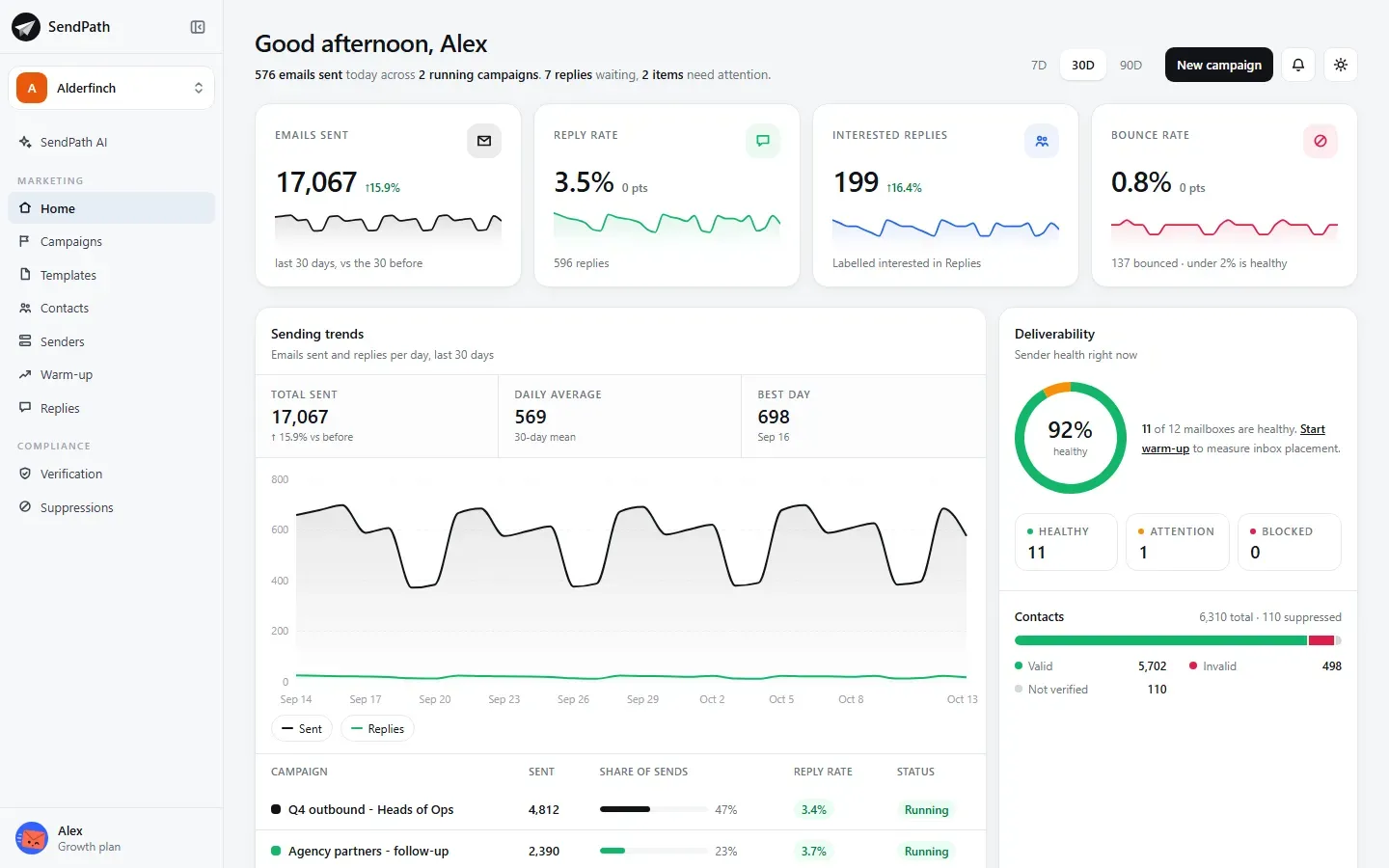
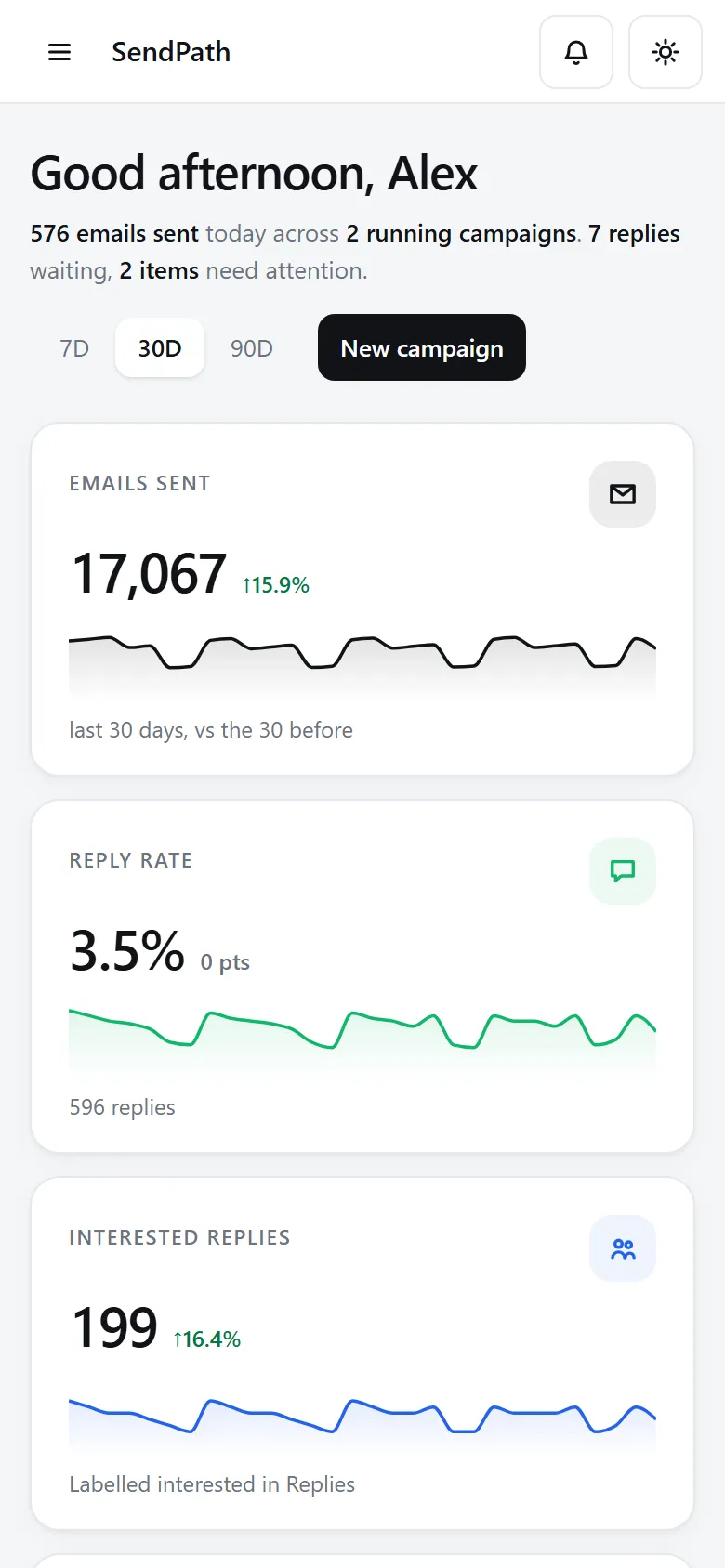
Home shows emails sent, reply rate, interested replies and bounce rate against the period before, with deliverability and a list of what's held up. SendPath tells you the rest: popups, desktop alerts, one email at 08:00, and a Weekly report from SendPath AI.
Analytics and alerts
How it works
- 1
Your daily view
Pick 7, 30 or 90 days. Each number is compared with the period before it.
- 2
Each campaign's results
Its Analytics tab shows sends, reply rate, opportunities and bounces, with each A/B variant side by side.
- 3
Told when it matters
Popups and desktop alerts show what needs you soon, like sending stopped or an Interested reply. Sending problems are emailed right away; the rest can come in one email at 08:00.
In numbers
The details
- On Home
- Emails sent, reply rate, interested replies, bounce rate
- Deliverability
- Warm-up inbox placement, mailboxes by health, contacts by verification result
- Needs attention
- Blocked campaigns and unhealthy mailboxes, each with what's wrong
- Emailed right away
- When SendPath pauses a campaign, or a mailbox is blocked or disconnected
- Popups and desktop alerts
- Sending stopped, billing, finished checks, and Interested or Meeting replies
- Daily email
- At 08:00 in your timezone, only when something happened
- Weekly report
- A summary of the week from SendPath AI, once you turn it on
- Your choice
- For each kind, whether it shows in your bell and whether it's emailed
FAQ
Questions, answered
Are open rates reliable?+
Only roughly. Apple Mail and some security filters open every email by themselves, so replies are the number to watch.
Can I keep track without opening the app?+
Yes. Turn on email for the kinds you want, and the daily email arrives at 08:00 when something happened.
Works well with
More of SendPath
Get started today.
Free for 14 days. No card needed.