Audience
Check every address before you send.
Verification catches typos, dead domains, role and disposable addresses before they bounce. Every plan includes it every month, and invalid addresses are never emailed.
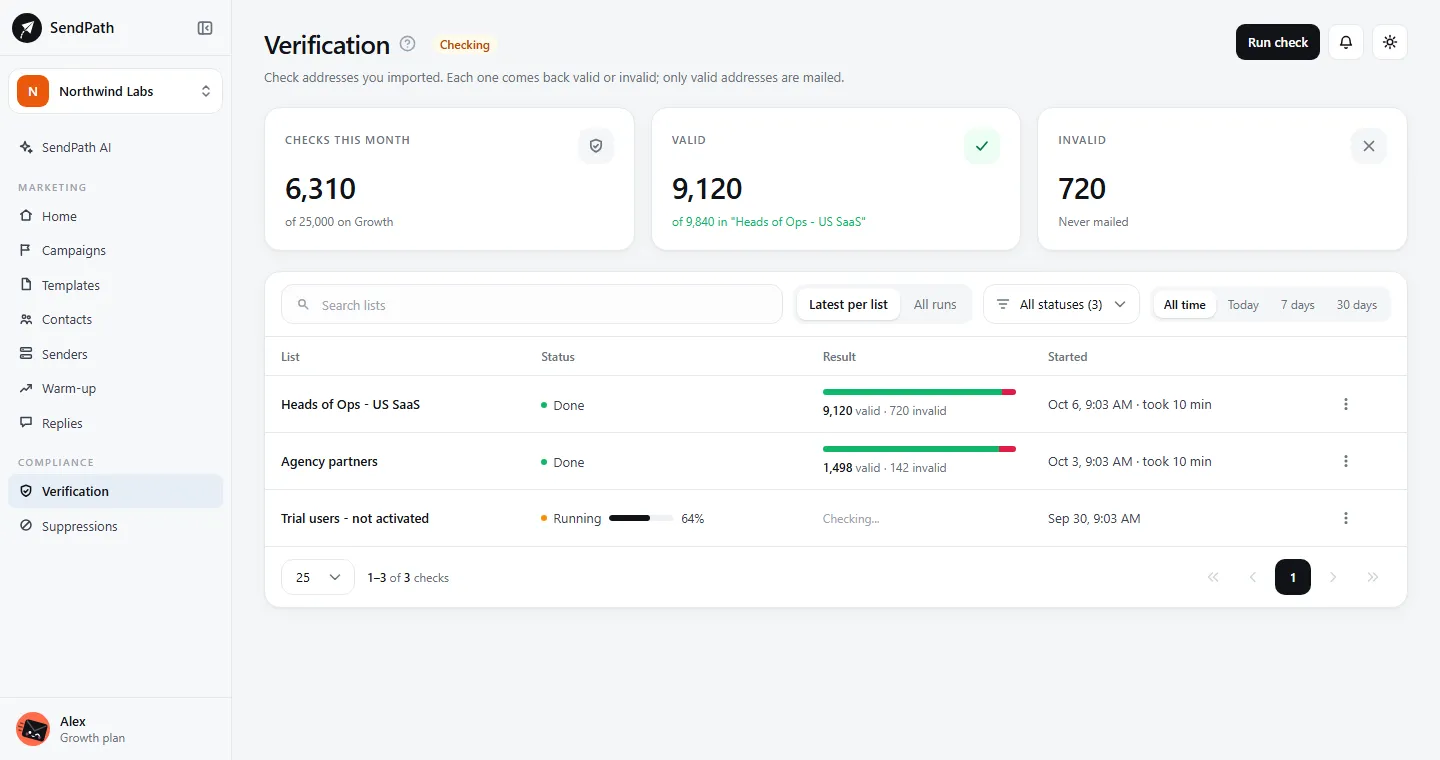
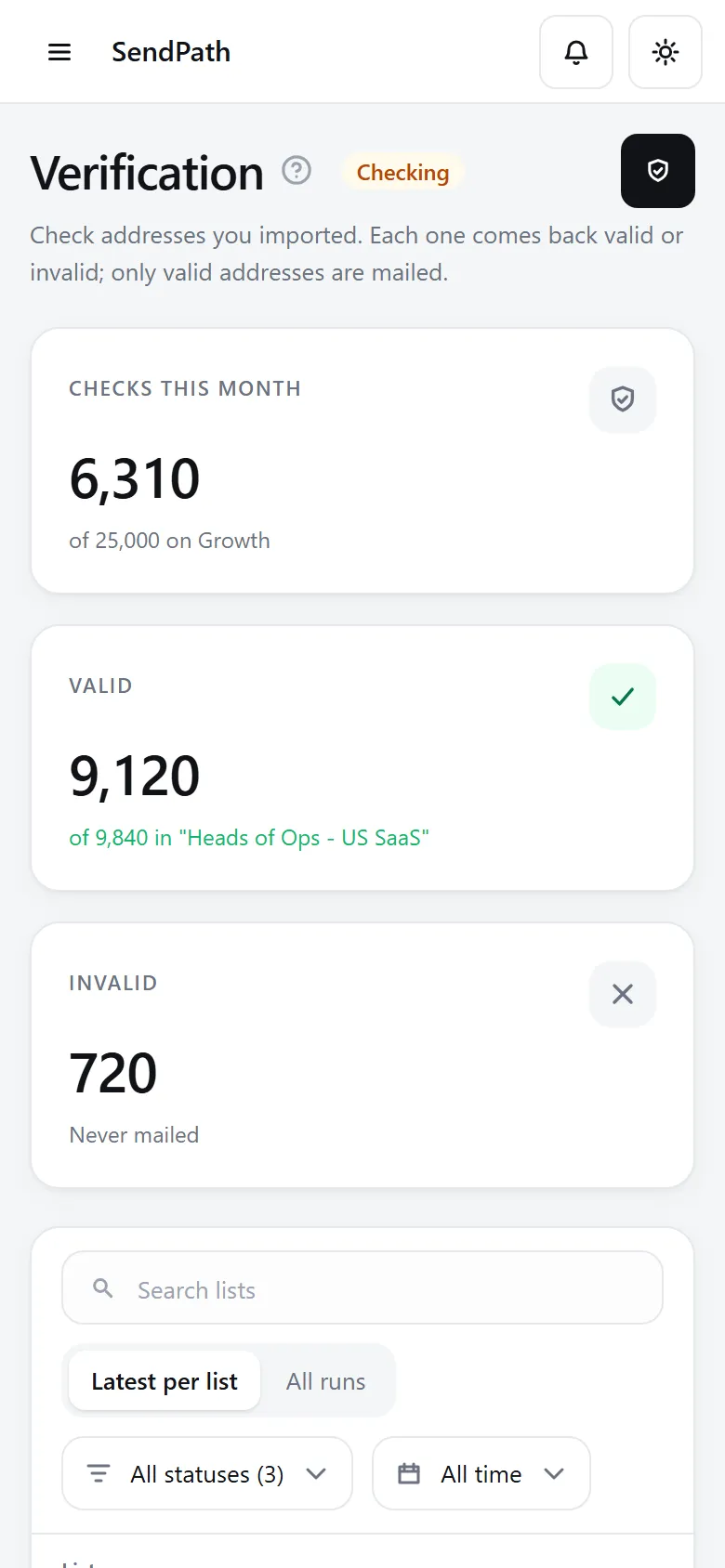
Email verification
How it works
- 1
Run a check
Pick a list on Verification, or Verify emails from its menu on Contacts. Results are saved as it goes, with the time left.
- 2
Get a clear answer
Valid can be emailed. Invalid is never emailed. Nothing in between to second-guess.
- 3
Export or check again
Download valid, invalid or not verified as CSV. Recheck an older list, or resume a check that stopped.
In numbers
The details
- Included every month
- 2,000 on Starter, 25,000 on Growth, 100,000 on Scale
- More checks
- $3.90 per 1,000, from 1,000. They never expire.
- Results
- Valid or invalid
- Exports
- Valid, invalid and not verified, as CSV
- A stopped check
- Keeps what it found and gives back the rest
FAQ
Questions, answered
Do I have to verify before sending?+
It's recommended, not required. A campaign can use a list that isn't verified, and invalid addresses are never emailed.
Can a valid address still bounce?+
Sometimes. The check can't always tell whether a mailbox still exists, so clean an old list before you import it. Bounces are suppressed for you.
What happens to unused checks?+
A plan's verifications reset on the 1st. Verification credits you buy never expire.
Works well with
More of SendPath
Get started today.
Free for 14 days. No card needed.