Send
Send through the service you already use.
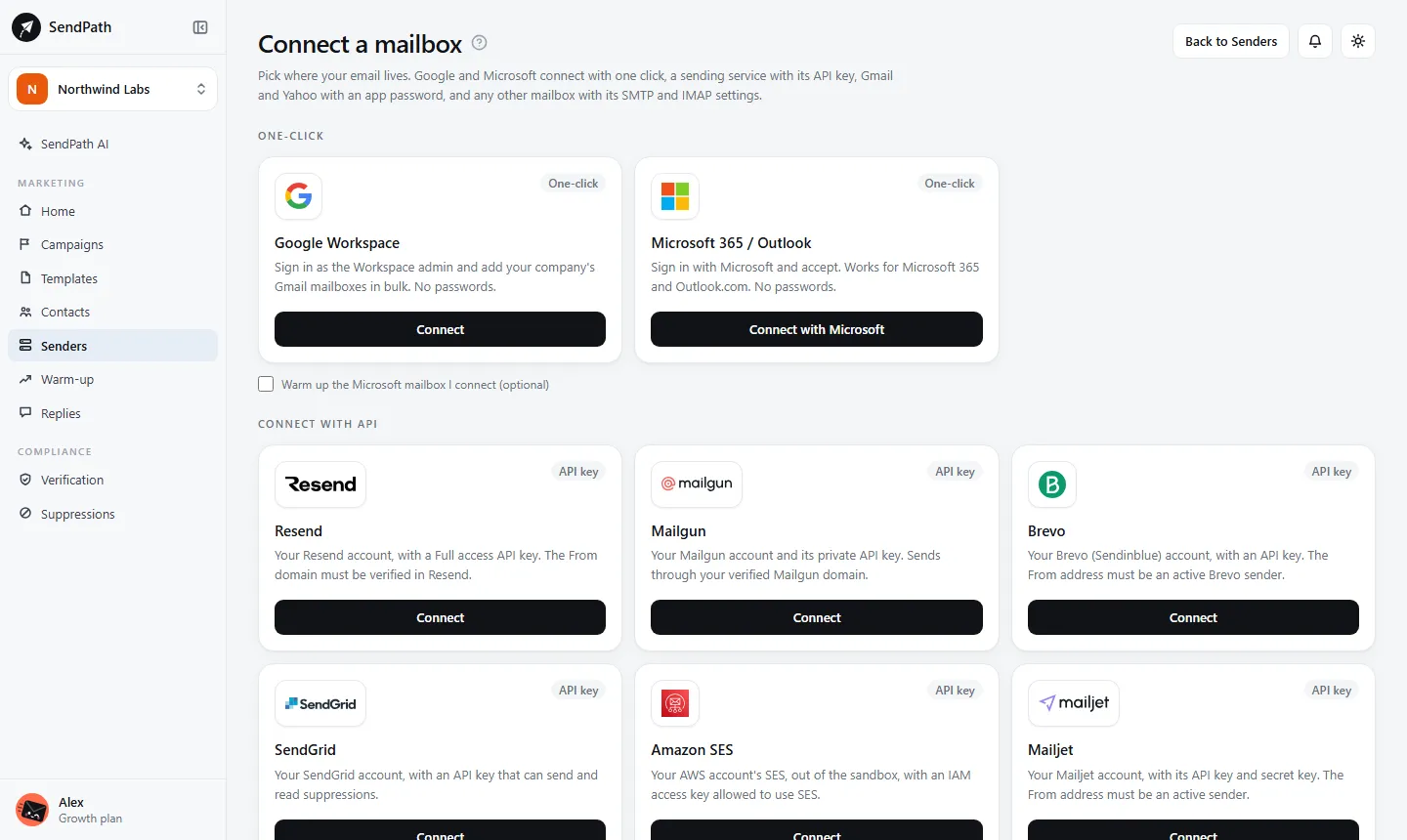
Connect Resend, Mailgun, Brevo, SendGrid, Amazon SES or Mailjet with an API key. Your campaigns go out through it, and every email passes the same checks as from any mailbox.
Sending services
How it works
- 1
Verify your domain there
Your sending domain must be verified at the service first. Its domain settings show the records to add.
- 2
Paste an API key
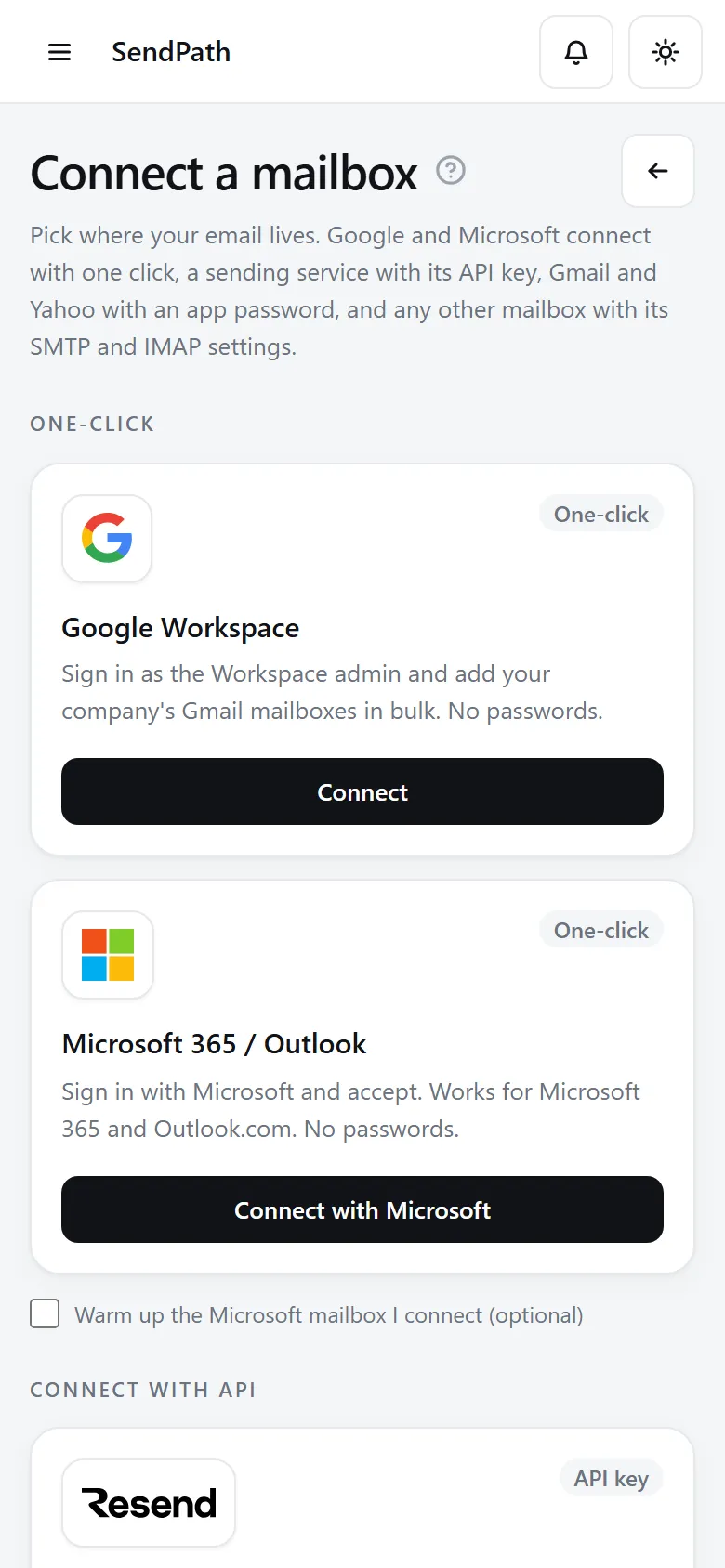
On Senders, click Connect sender, choose the service under Connect with API, and paste its key.
- 3
Send like any mailbox
Campaigns use it like any other sender, inside its daily cap. Its bounces are read from the service.
In numbers
The details
- Services
- Resend, Mailgun, Brevo, SendGrid, Amazon SES, Mailjet
- Connects with
- An API key
- Bounces
- Read from the service
- Replies
- Read only if you also give the mailbox's own password
- Warm-up
- Not available for sending services
FAQ
Questions, answered
Do the pre-send checks still run?+
Yes. Every campaign and every email passes the same checks, whatever it's sent through.
Will SendPath see the replies?+
Only if you also give the mailbox's own password, so SendPath can read it. Otherwise replies arrive in your inbox as usual.
Can I warm up a sending service?+
No. Warm-up is for mailboxes.
Works well with
More of SendPath
Get started today.
Free for 14 days. No card needed.