Write & reply
Ask your own AI about your campaigns.
Connect Claude, ChatGPT, Cursor, VS Code or any MCP app to a SendPath workspace, and ask about campaigns, replies and mailbox health from the AI you already use. It can only read, and it's free.
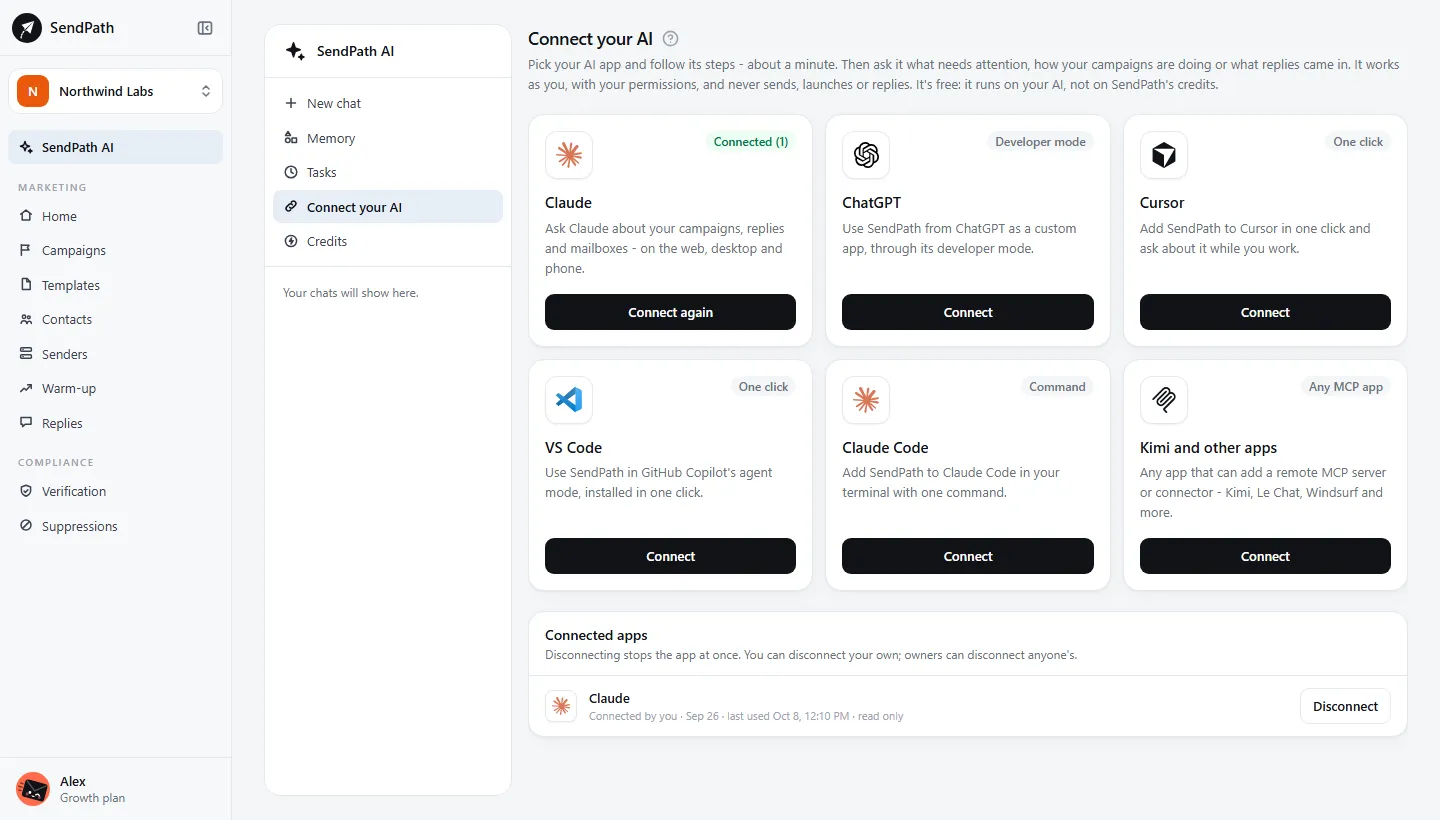
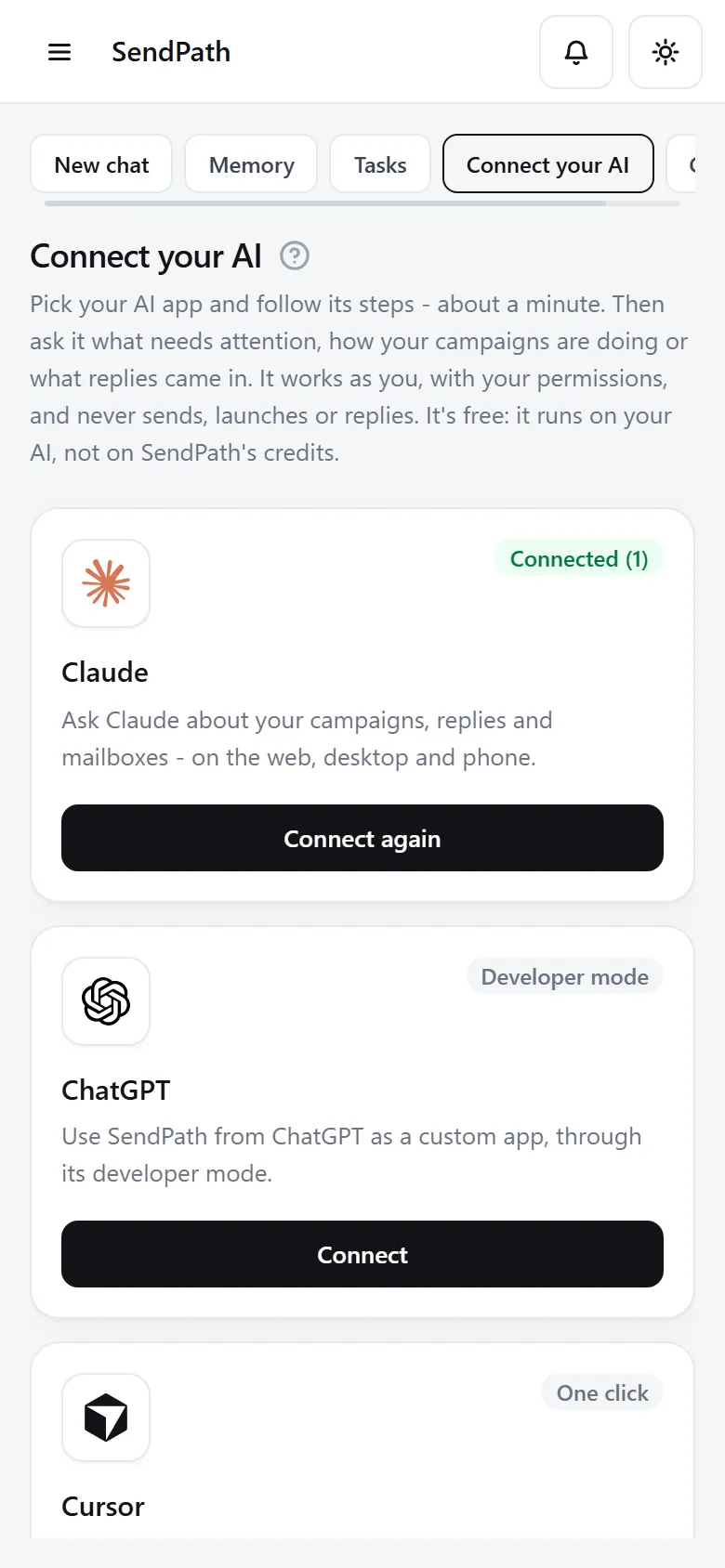
Connect your AI
How it works
- 1
Add one address
Paste SendPath's address into your app's connectors. Cursor and VS Code install in one click.
- 2
Sign in and allow
Pick the workspace when you click Allow. It works as you, with your permissions.
- 3
Ask
What needs attention? How did last week's campaign do? Who replied interested?
In numbers
The details
- Works with
- Claude, ChatGPT, Cursor, VS Code, Claude Code, and any remote MCP app
- It can read
- Campaigns and results, replies, mailbox health and warm-up, list totals, memory and credits
- It can't
- Send, launch, pause, reply, delete, or see other workspaces
- Credits
- None. It runs on your AI app
- Disconnect
- Any time, from Connected apps
FAQ
Questions, answered
Can my AI send emails through SendPath?+
No. Connect your AI can only read. To act, you do it in SendPath.
Can it see my contacts?+
It sees each list's totals, not the contacts on it.
Which workspace does it see?+
The one you chose when you clicked Allow. To switch, disconnect it and connect again.
Works well with
More of SendPath
Get started today.
Free for 14 days. No card needed.