Audience
Bring your own lists. Use every column.
Import from a CSV file, Google Sheets or typed addresses. Every column becomes a variable for your emails. SendPath never sells or supplies leads.
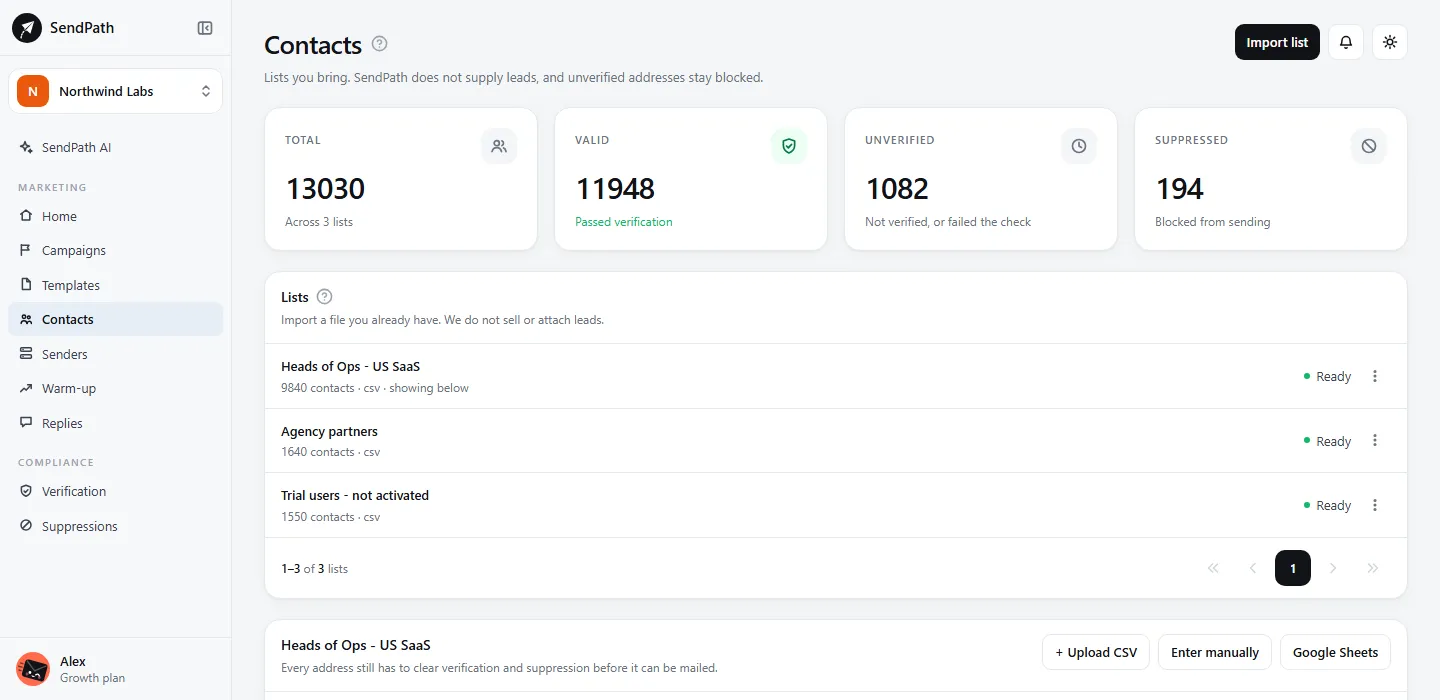
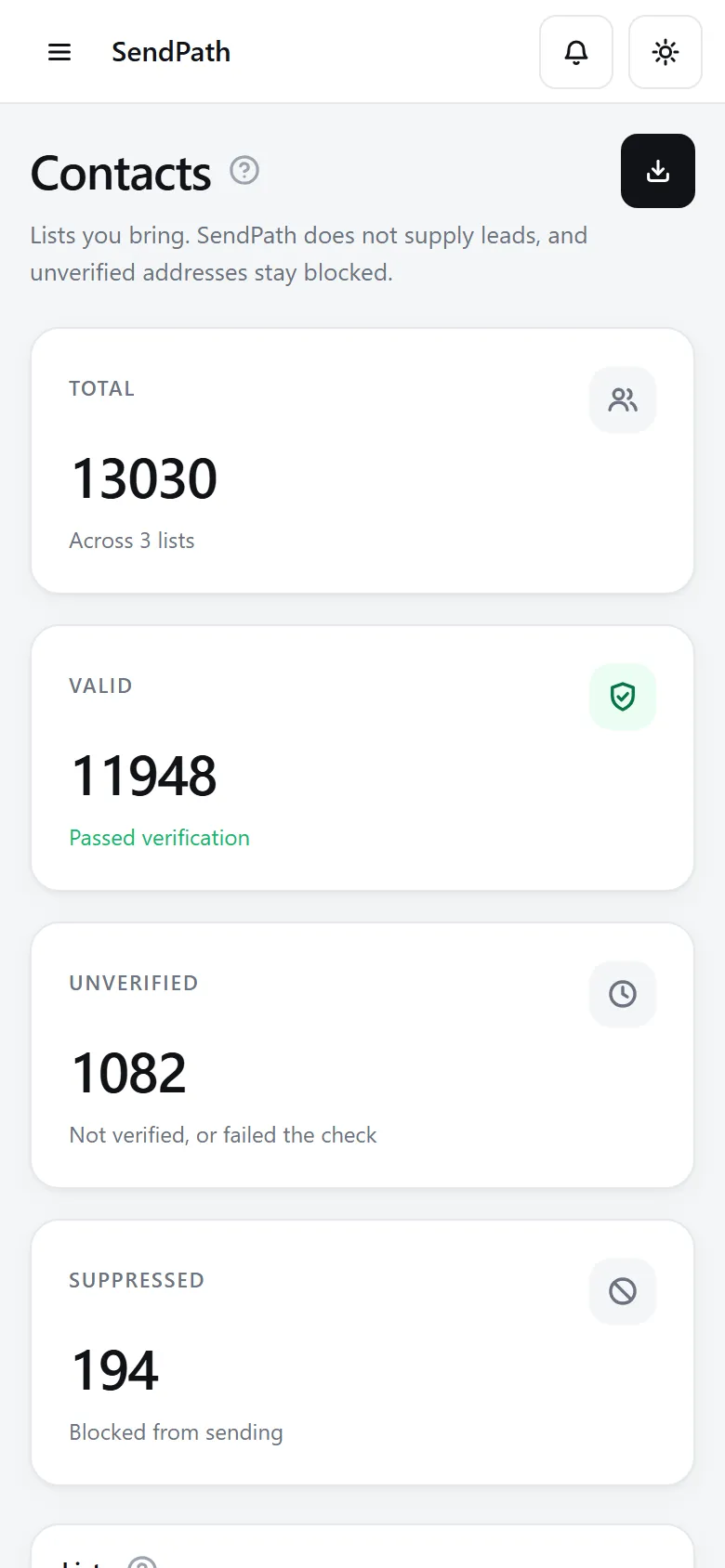
Contacts and lists
How it works
- 1
Import
Upload a CSV or link a Google Sheet, up to 50 MB, or type addresses in.
- 2
Name the columns
Give each column a type. One is Email; the rest become variables like {{first_name}} or {{company_size}}.
- 3
Verify and send
Verify the list, then use it in a campaign. A contact missing a value an email needs is skipped, not sent a broken email.
In numbers
The details
- Sources
- CSV, Google Sheets, or typed addresses
- File size
- Up to 50 MB
- Contacts you can store
- 2,000 on Starter, 25,000 on Growth, 100,000 on Scale
- Variables
- Every column you keep
- Exports
- CSV, for members allowed to export
FAQ
Questions, answered
Do you sell or supply contact lists?+
No. You import lists you have the right to email.
What if a contact is missing a value?+
It's skipped rather than sent a broken email, and the campaign editor warns you first when an email uses a variable the list doesn't have.
What happens when I delete a list?+
Its contacts are removed for good. Suppressions are workspace-wide, and they stay.
Works well with
More of SendPath
Get started today.
Free for 14 days. No card needed.