Write & reply
Every reply, from every mailbox, in one inbox.
SendPath reads your mailboxes, matches each reply to the email it answers, and labels it: Interested, Meeting, Question, Not interested, Unsubscribe or Out of office.
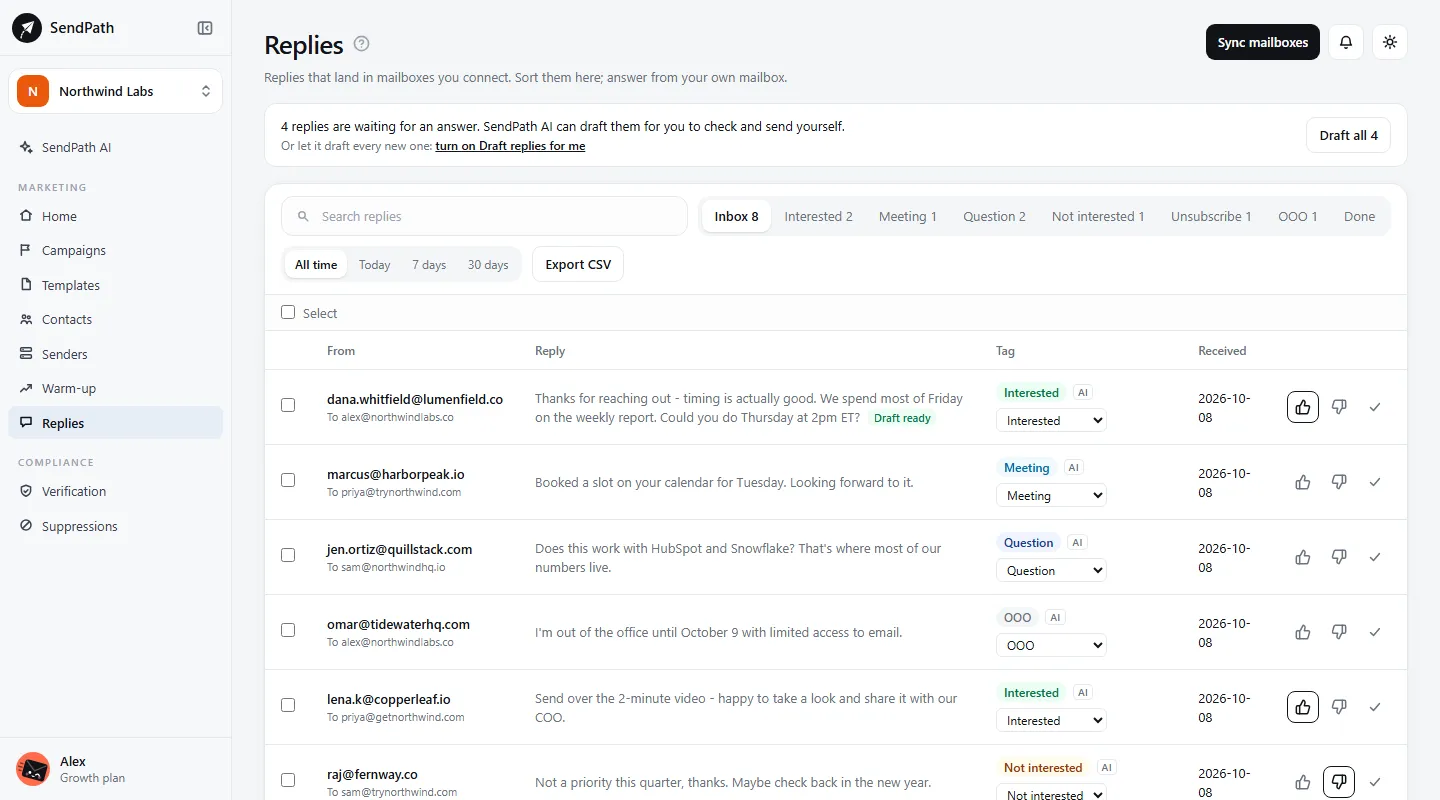
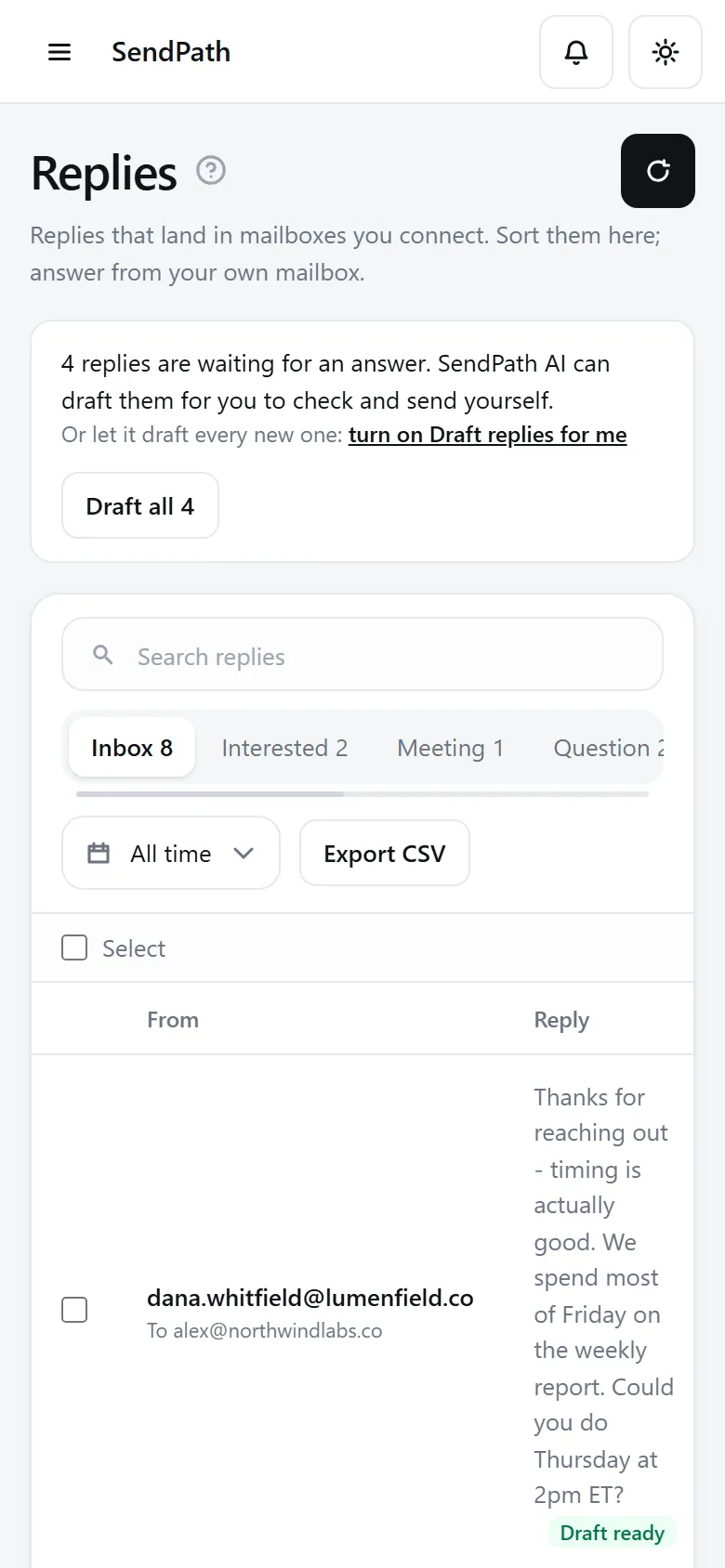
Replies inbox
How it works
- 1
Collected for you
Your mailboxes are read every 10 minutes, or now with Sync mailboxes. Bounce messages are read too.
- 2
Labelled for you
SendPath AI and a keyword rule label every reply, and you can change any label in one click. Labels are free.
- 3
Answered by you
Draft a reply with SendPath AI, edit it, and send it from your own mailbox. Nothing is ever sent from this page.
In numbers
The details
- Labels
- Interested, Meeting, Question, Not interested, Unsubscribe, Out of office
- Mailboxes read
- Every 10 minutes
- After a reply
- That contact's sequence stops
- Unsubscribe requests
- Suppressed at once
- AI drafts
- In their language, from the thread and your business memory
- Export
- A CSV of a whole tab, or of the replies you tick
FAQ
Questions, answered
Does SendPath reply for me?+
No. You answer from your own mailbox. SendPath AI only drafts, and its drafts wait for you.
What if a label is wrong?+
Click the right one. If you change an Unsubscribe label, the address stays suppressed until someone removes it.
Why are some replies missing?+
A mailbox with a Reply-to address sends replies there, where SendPath can't see them. Leave Reply-to empty.
Works well with
More of SendPath
Get started today.
Free for 14 days. No card needed.