Send
Every mailbox you own, sending as one.
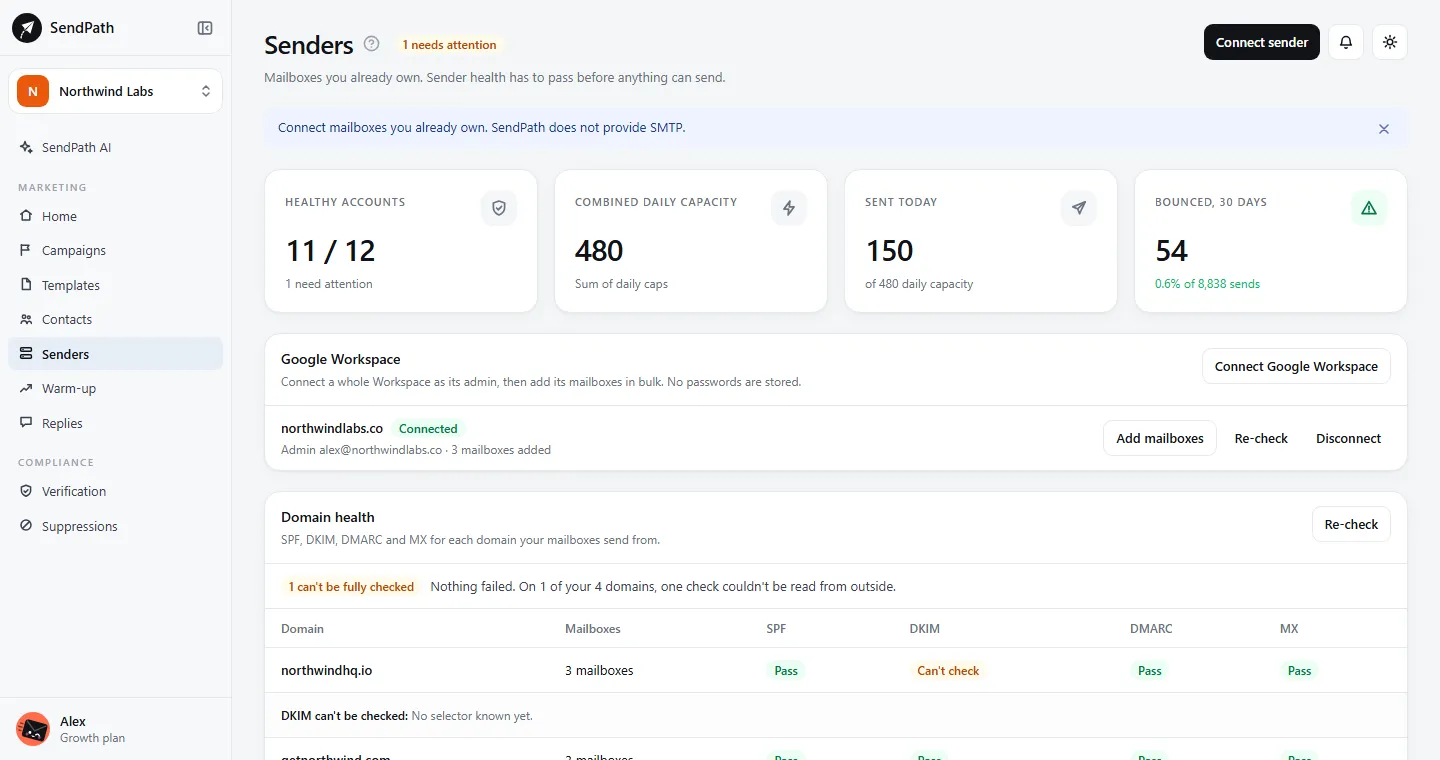
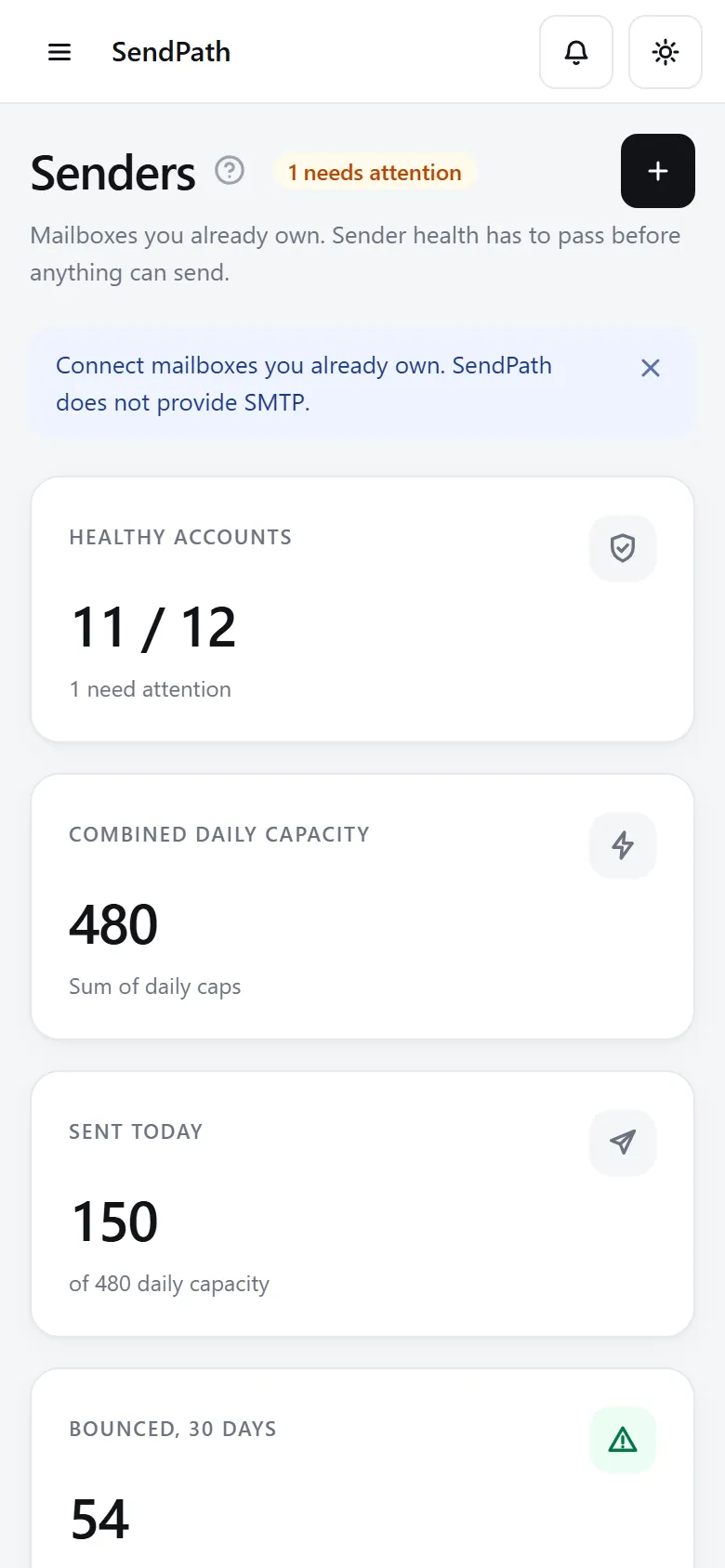
Connect as many mailboxes as you have. Sending spreads across them inside each one's daily cap and sending hours, and a mailbox whose bounces climb is stopped before it hurts your domain.
Mailboxes and rotation
How it works
- 1
Connect in a click
Google Workspace and Microsoft 365 connect with one click, Gmail and Yahoo with an app password, and any other mailbox with its address and password.
- 2
Set its limits
Each mailbox has a daily cap (50 unless you change it) and optional sending hours. About 30 campaign emails a day per mailbox keeps mail out of spam.
- 3
Watch its health
A health score out of 100, DNS checked every day, and a stop when more than 5% of its emails bounce.
In numbers
The details
- Mailboxes
- Unlimited on every plan
- Connects
- Google Workspace, Microsoft 365, Gmail, Yahoo, any SMTP and IMAP mailbox, or a sending service
- Daily cap
- 50 by default (1 to 2,000)
- Recommended
- About 30 campaign emails a day per mailbox
- Health
- Healthy, Attention or Blocked, with the reason and the exact DNS record to add
- Bounce stop
- Above 5%, counted once a mailbox has sent 50
FAQ
Questions, answered
How many mailboxes do I need?+
About one for every 30 emails you send a day. To send more, add mailboxes rather than raising one mailbox's cap.
Do my mailboxes stay mine?+
Yes. SendPath sends through them and reads their replies. Their passwords and keys are stored encrypted, and our staff can't read them.
What happens when a mailbox is stopped for bounces?+
The addresses that bounced are already suppressed. Re-verify the rest of the list, then click Resume sending: its bounce count starts again from zero.
Works well with
More of SendPath
Get started today.
Free for 14 days. No card needed.