Audience
Anyone who opts out is never emailed again.
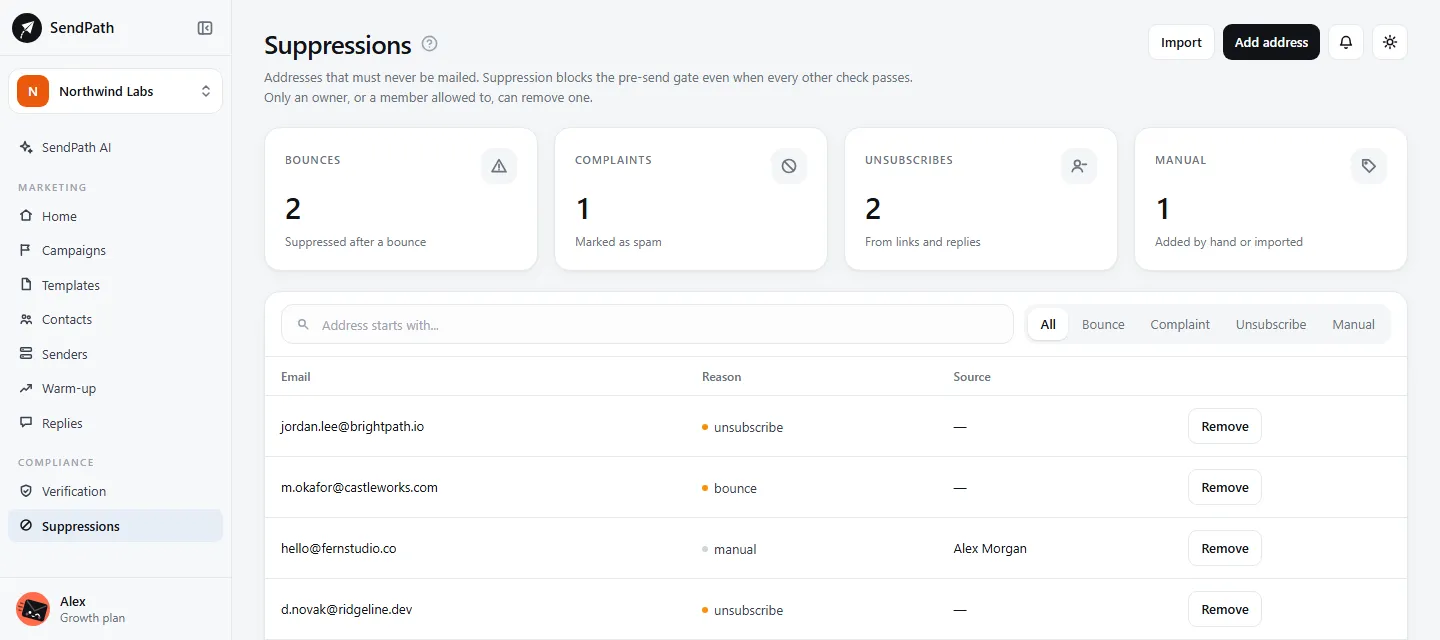
Unsubscribes, bounces and replies asking to be removed are suppressed for you, across every list and campaign in the workspace.
Unsubscribes and suppressions
How it works
- 1
One-click unsubscribe
Every email carries an unsubscribe link, and the headers that show the Unsubscribe button in Gmail, Yahoo and other mail apps.
- 2
Caught in replies too
A reply asking to be removed is caught by SendPath AI's label and a keyword rule, and the address is suppressed at once.
- 3
Bring your old opt-outs
Import the suppressions from your previous tool, or add addresses one by one.
In numbers
The details
- Added for you
- Unsubscribes, bounces, and replies asking to be removed
- Applies to
- Every list and campaign in the workspace
- Sorted into
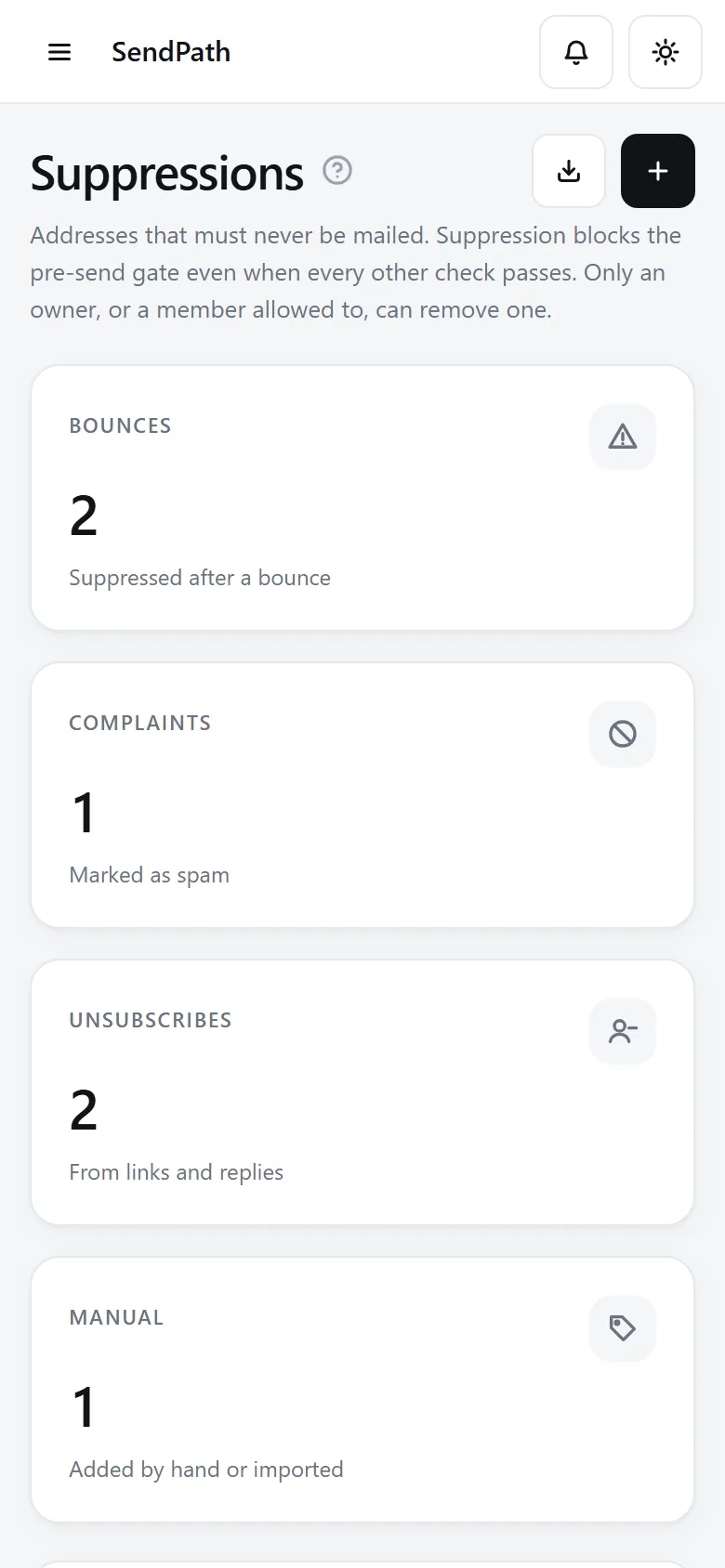
- Unsubscribes, Bounces, Complaints, Manual
- Unsubscribe link
- Required in every email, confirmed with one button
- Removing one
- Owners, or members allowed to, with a reason that's logged
FAQ
Questions, answered
Why does the unsubscribe page ask to confirm?+
Security scanners open links in emails. Opening the link alone changes nothing, so a scanner can't unsubscribe someone by accident.
Can I remove a suppression?+
An owner, or a member allowed to, can, with a reason that's logged. Only do it when the person has clearly asked to hear from you again.
Does unsubscribe detection use AI credits?+
No. Reply labels and unsubscribe detection are always free.
Works well with
More of SendPath
Get started today.
Free for 14 days. No card needed.