Write & reply
Write emails that reach the inbox.
The editor scores every email as you write: spam-trigger words, subject length, links, images, tone and personalisation. Many items have a one-click fix, or Fix with AI.
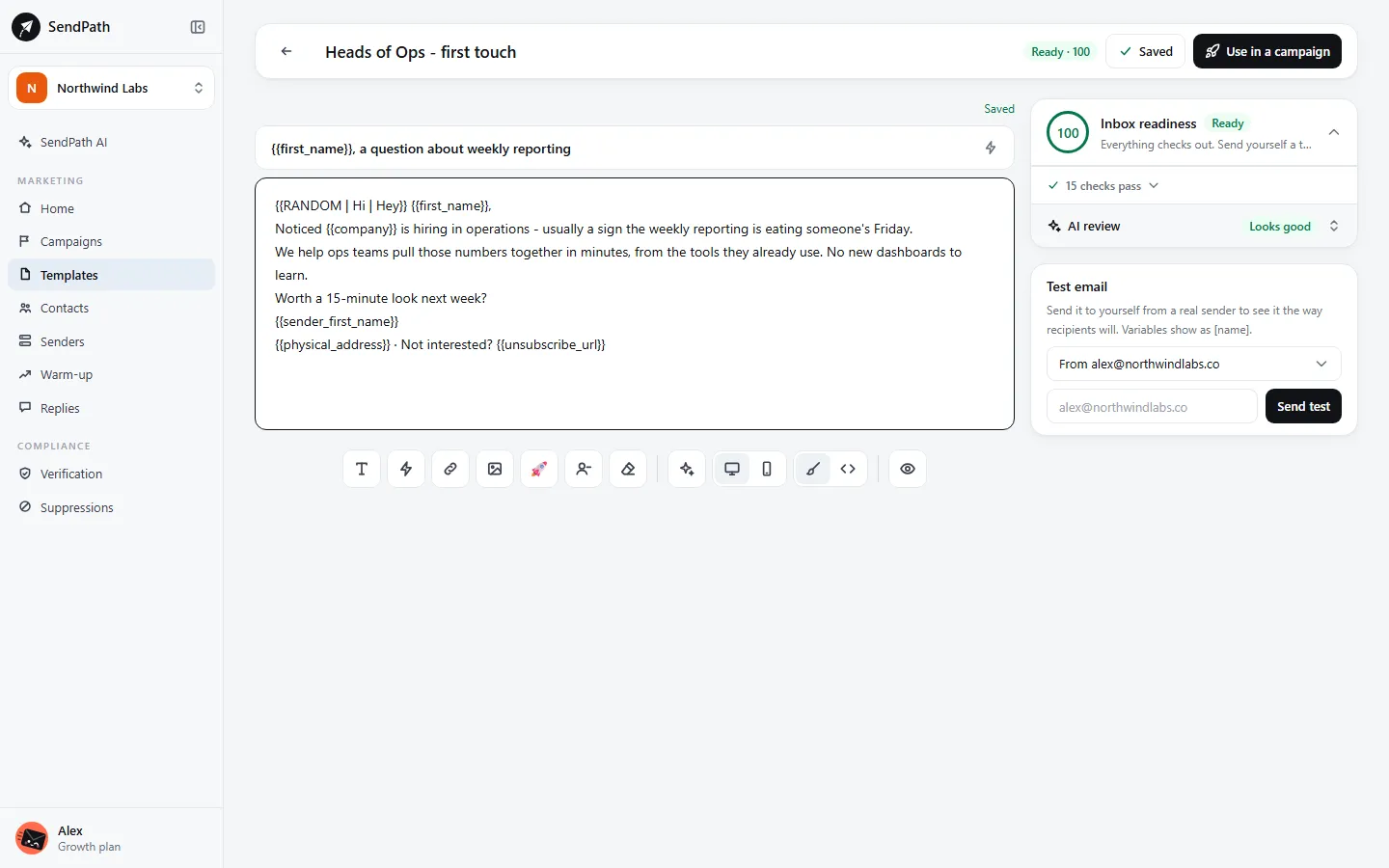
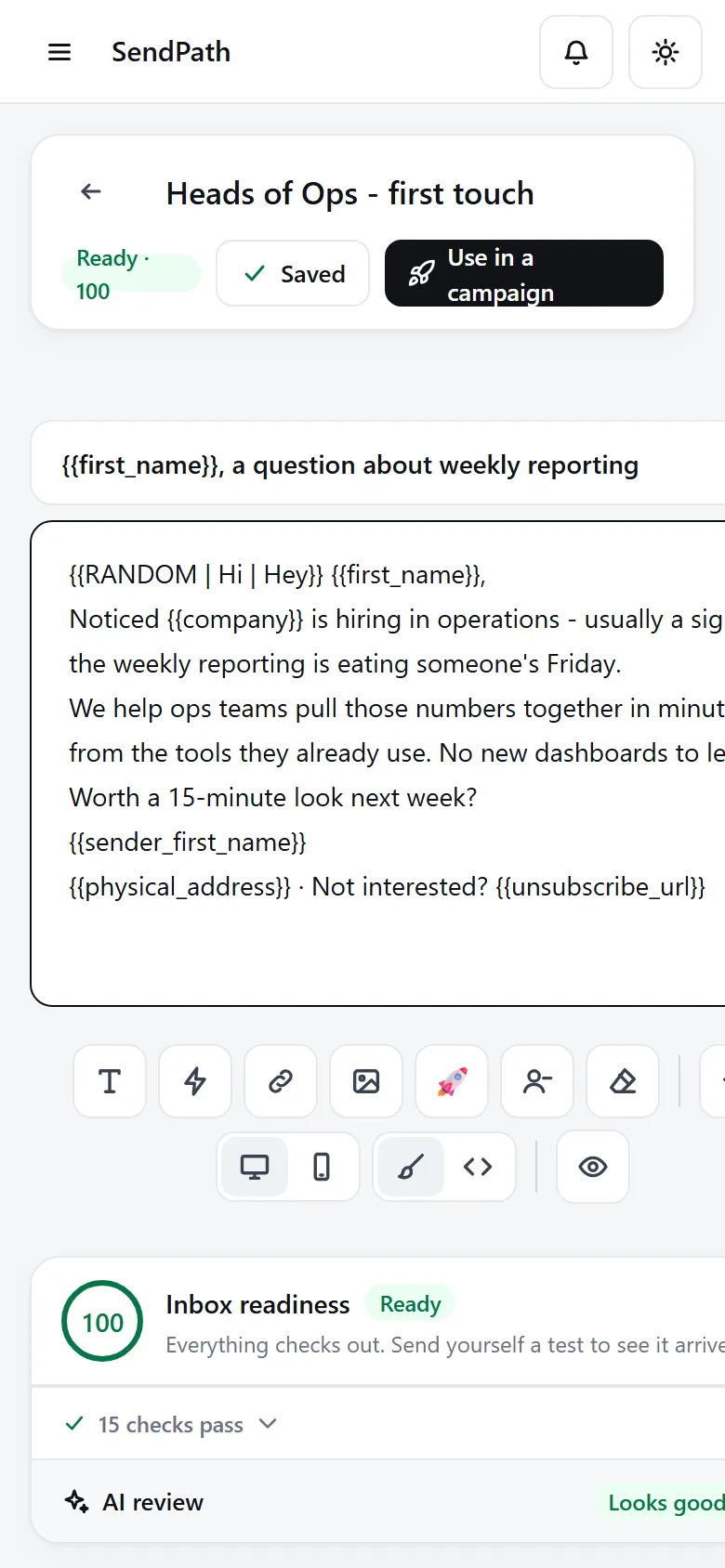
Email editor
How it works
- 1
Write with variables
Add {{first_name}} or any column from the toolbar, and spintax like {{RANDOM | Hi | Hello}} so emails don't all read the same.
- 2
Follow Inbox readiness
Each item says why it matters. It's advice and never blocks; only the required parts do, like the unsubscribe link and your postal address.
- 3
Preview and test
Preview fills the email in for a real contact. A test email sends it to you from one of your mailboxes.
In numbers
The details
- Inbox readiness
- Spam words, subject length, links, images, length, formatting, tone, personalisation and variety
- AI review
- Flags a misleading subject, risky claims and anything that looks like phishing
- Views
- Visual or HTML code, on desktop or mobile
- Required in every email
- The unsubscribe link and your postal address
- Test emails
- Up to 20 an hour
FAQ
Questions, answered
Does a low score stop my email?+
No. Inbox readiness is advice. Only the required parts block sending: the unsubscribe link, your address, and variables the list can fill.
Can I send designed HTML emails?+
Yes. They're shown as they look and edited in the code view, so the layout is never flattened. Plain, short emails reach the inbox more often, though.
Does the editor use AI credits?+
The spam-word check and Inbox readiness are free. Fix with AI and AI review use credits.
Works well with
More of SendPath
Get started today.
Free for 14 days. No card needed.